- STAGE:
- Complete
- RELATED ANNOUNCEMENTS:
Microsoft Intune Integration (Compliance Partner)
ArborXR is an official Microsoft Intune Device Compliance Partner, enabling organizations to use ArborXR-managed devices in Microsoft Conditional Access policies.
With this integration enabled, ArborXR can report the compliance status of XR devices managed in ArborXR to Microsoft Intune. Administrators can then configure Conditional Access policies in Microsoft Entra to allow or restrict access to Microsoft 365 applications and other protected resources based on whether a device is actively managed within ArborXR. ArborXR remains the device management platform for XR hardware. This integration does not enroll devices into Intune or allow Intune to manage XR devices directly. Instead, ArborXR reports device compliance status to Intune so Conditional Access policies can make access decisions.
To establish a device identity in Microsoft Entra, each device must perform a Workplace Join by signing in through the Microsoft Company Portal application, which acts as the authentication broker for Microsoft identity services. Once this step is completed, ArborXR can report device compliance status to Intune on an ongoing basis.
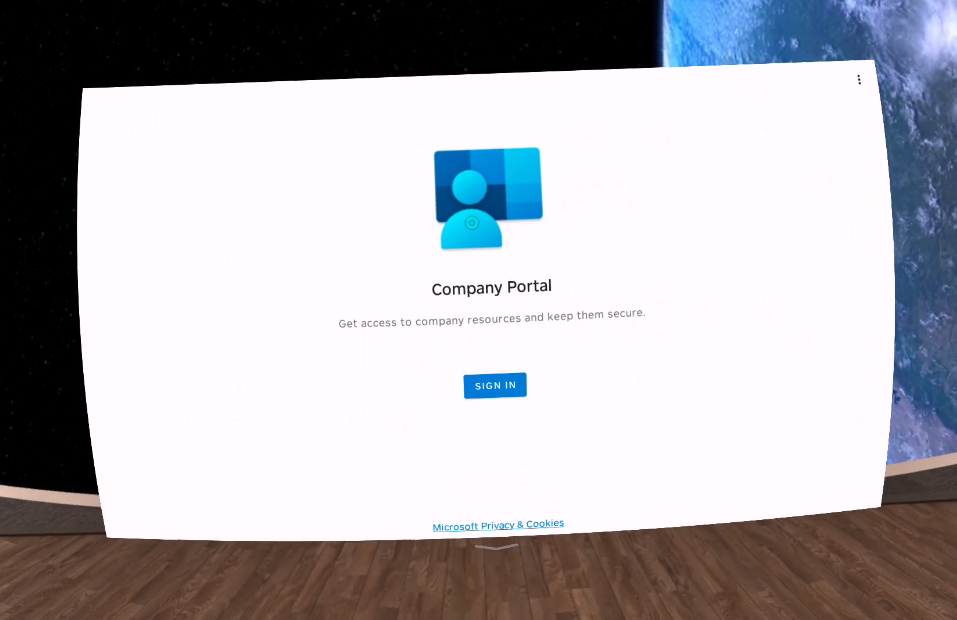
Organizations may choose how authentication is handled on the headset. Administrators can perform the initial sign-in during provisioning, or users may sign in themselves directly on the device. In environments where different users access the same headset, ArborXR will support signing in with different Microsoft accounts to establish user context for Conditional Access policies.
At launch, the compliance status reported to Intune reflects whether the device is actively enrolled and managed within ArborXR.
