- DATE:
- AUTHOR:
- The ArborXR product team
- RELATED ROADMAP ITEMS:
- Microsoft Intune Integration (Compliance Partner)
- Configure Group Security Settings via API
- ArborXR Home Support on Play for Dream MR
- Query Insights Data via MCP
- Remotely Download Files from Devices
- Configure Group System Settings via API
Intune integration, remote file downloads, MCP improvements, and more
Here's what's new in ArborXR. This month's updates give teams tighter control over security and fleet configuration, faster troubleshooting, and AI-ready access to training data.
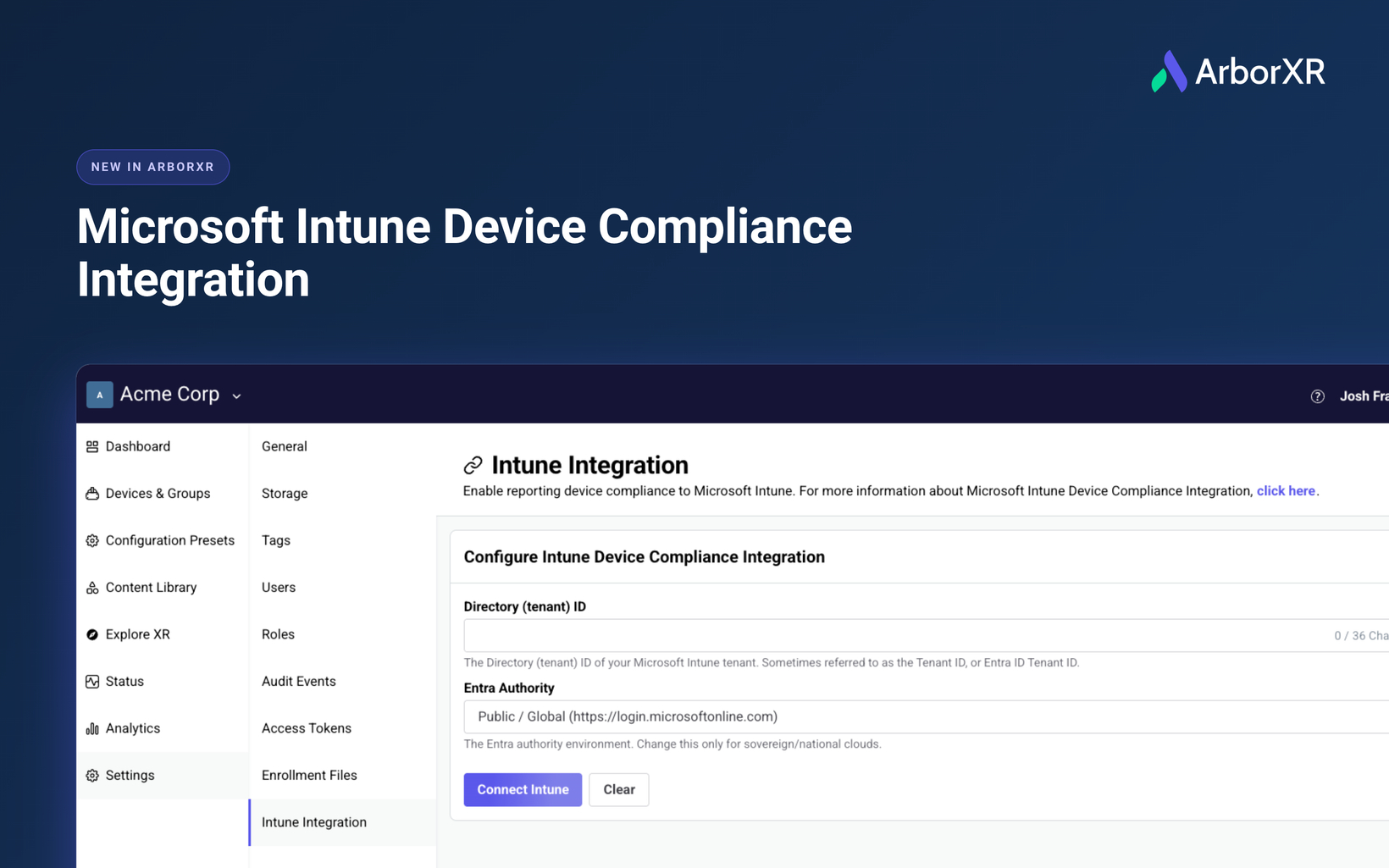
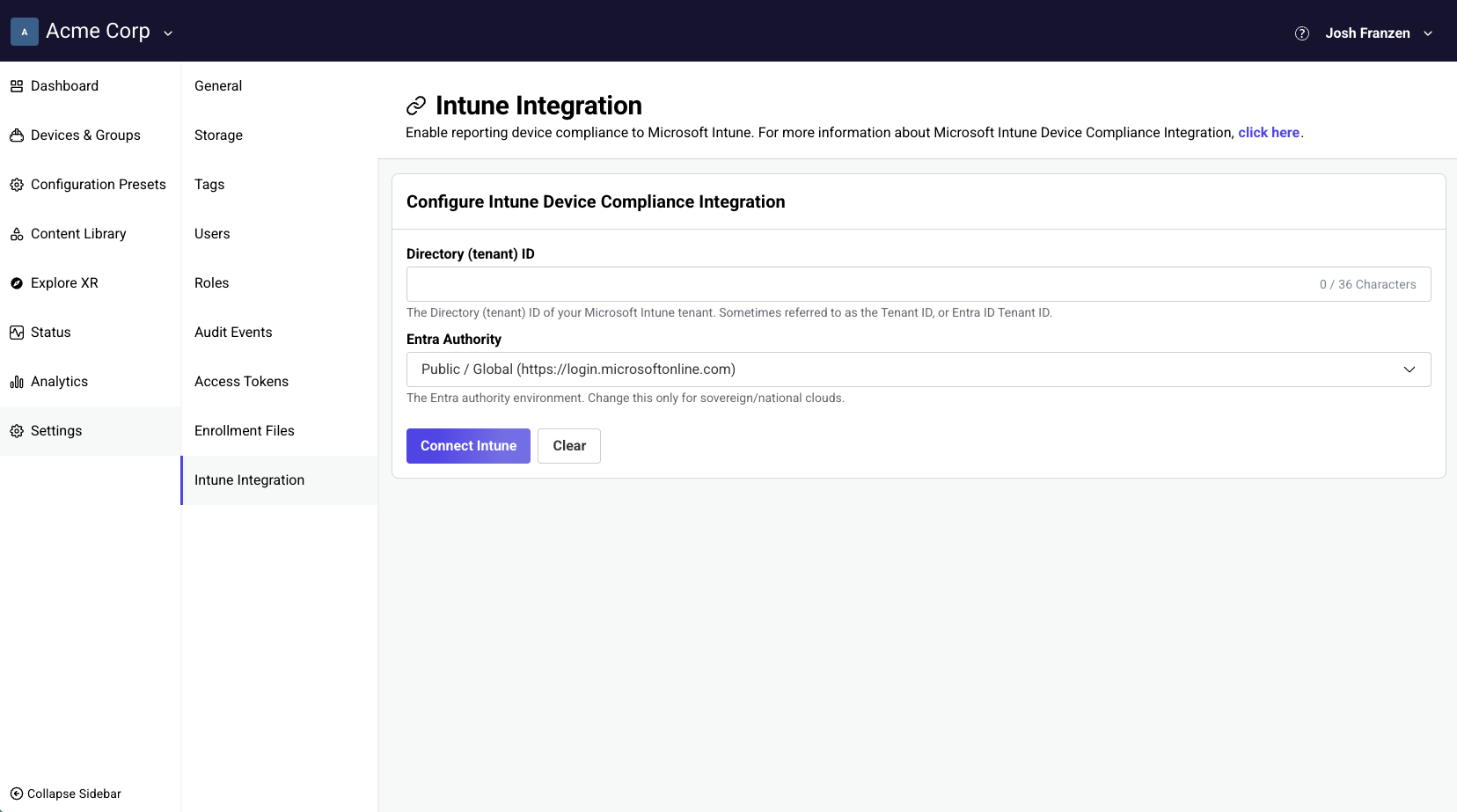
ArborXR is now a Microsoft Intune Device Compliance Partner
Available on Enterprise and Classroom Ultimate plans
Bring your XR fleet into the same Conditional Access policies that protect the rest of your organization’s devices. ArborXR now reports device compliance status directly to Microsoft Intune, so administrators can allow or restrict access to Microsoft 365 apps and other protected resources based on whether a headset is actively managed in ArborXR.
ArborXR remains the device management platform for your XR hardware. This integration does not enroll devices into Intune. Instead, ArborXR reports compliance status to Intune so your Conditional Access policies in Microsoft Entra can make access decisions.
Compliance enforcement is configured at the group level, so you control exactly which devices report to Intune.
Remotely download files from devices
Available on Essential, Classroom Pro, Enterprise, and Classroom Ultimate plans
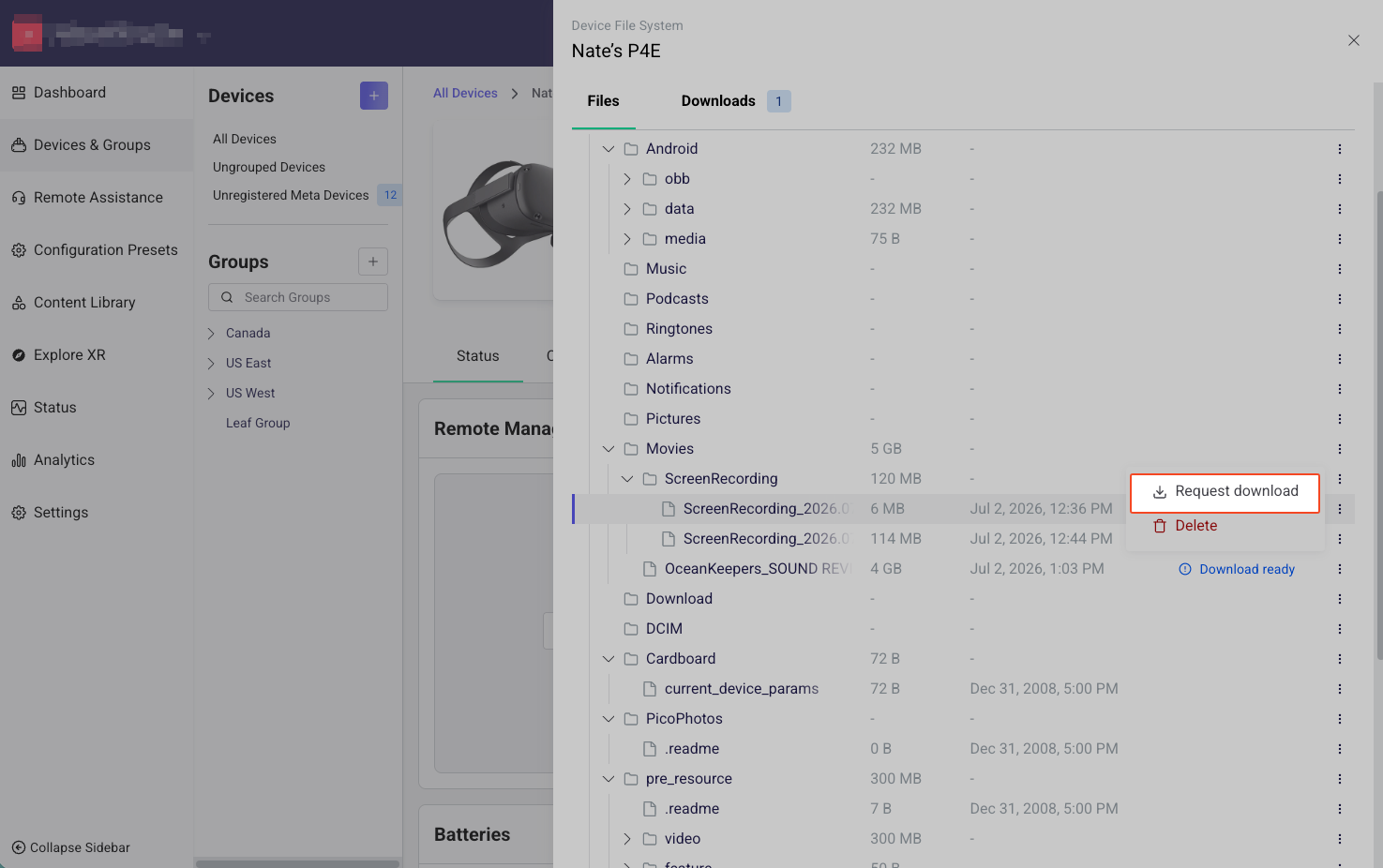
Stop physically retrieving headsets to pull logs, screenshots, recordings, or diagnostic files. You can now request any file from a device's file system and download it from the web portal, no matter where the device is.
Here's how it works:
Browse the device file system and request the file you need
The device compresses and securely uploads it, with live progress in the portal
You get an email when it's ready, with a secure download link
A new Downloads tab tracks every request with status and requester, and every request and download is captured in the audit log
Org owners control this capability with an organization-wide toggle, and access is gated by a dedicated user permission.
Insights data now available in the ArborXR MCP server
Available on Essential, Classroom Pro, Enterprise, and Classroom Ultimate plans
Ask questions about your XR training outcomes in plain language. The ArborXR MCP server now includes Insights data, so you can connect Claude, ChatGPT, or any MCP-compatible AI assistant to your organization and get answers about learner performance, completions, and engagement without opening a dashboard.
Ask things like "who completed the safety training module last week," "which learners struggled with the assessment," or "how does session time compare across our locations" and get answers grounded in the same verified learner data that powers your Insights dashboards and LMS reporting.
Does the Insights-powered app you're using have even deeper data definitions? Use the MCP to have AI craft you a custom dashboard giving you full vision into your learner's experience.
The MCP server is read-only, so AI assistants can query your training data but never change your configuration.
ArborXR Home comes to Play For Dream MR
Available on all plans
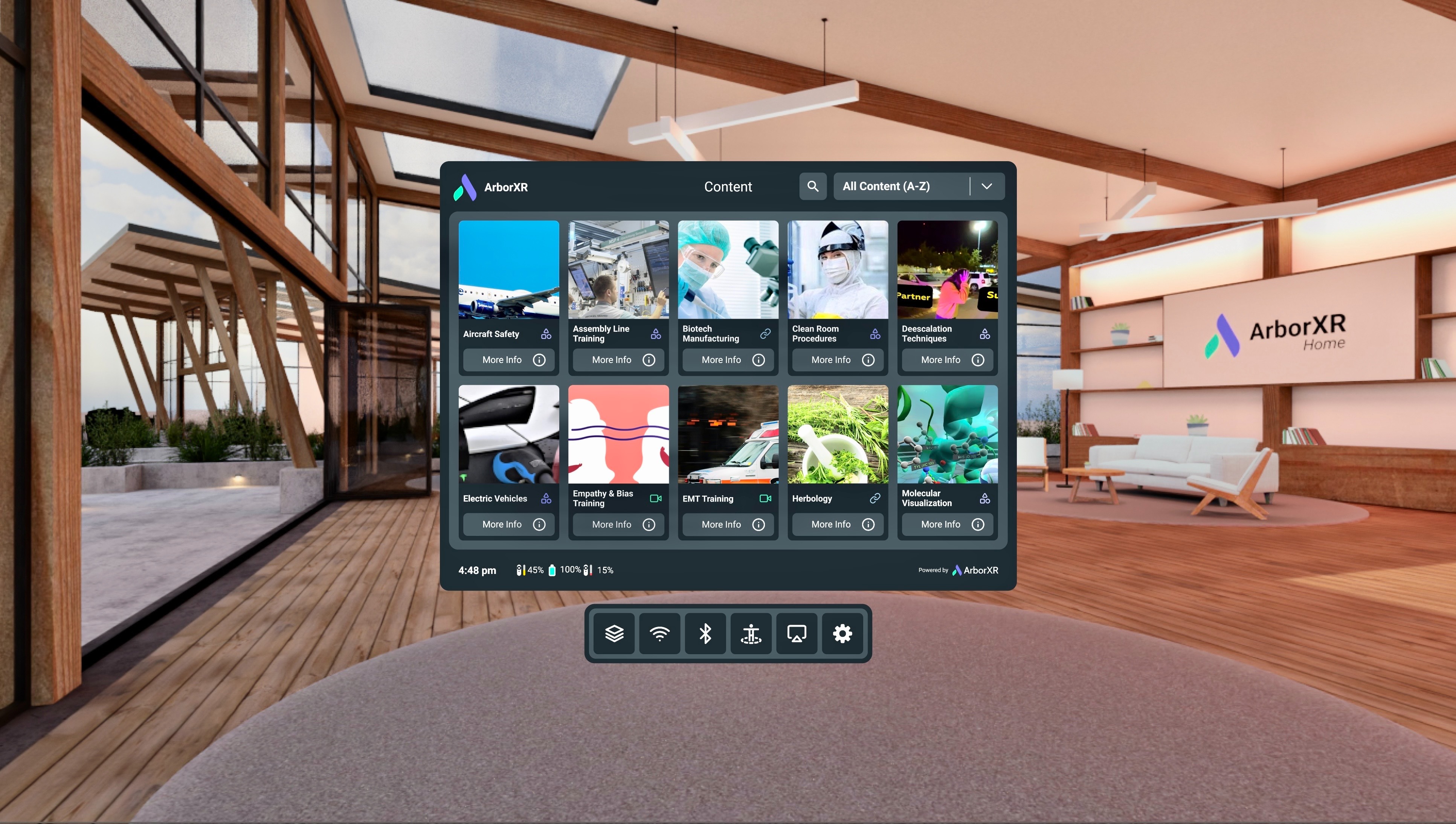
Create a branded, distraction-free custom launcher experience on Play For Dream MR headsets. This update brings ArborXR Home and Kiosk Mode to the device, so admins can lock headsets into a customized home environment or a single-app experience, just like on Meta Quest, PICO, and HTC VIVE.
Configure system & security settings via API
Available on Essential, Classroom Pro, Enterprise, and Classroom Ultimate plans
Automate group configuration at scale. New API endpoints let you programmatically configure the System and Security settings you previously set in the portal:
Security settings: USB file transfer, developer options, user factory reset, and the remote assistance permission dialog.
System settings: date & time, system sleep timer, phone & tablet lock screen and custom wallpaper, plus PICO advanced settings like automatic IPD adjustment and hand tracking.
Help us pick what to build next. We're weighing a handful of investments — Managed Google Play Store integration, Apple Vision Pro support, and more. Tell us which ones would actually unblock your team. Vote here →
The ArborXR team