- DATE:
- AUTHOR:
- The ArborXR product team
- RELATED ROADMAP ITEMS:
- Configuration Presets
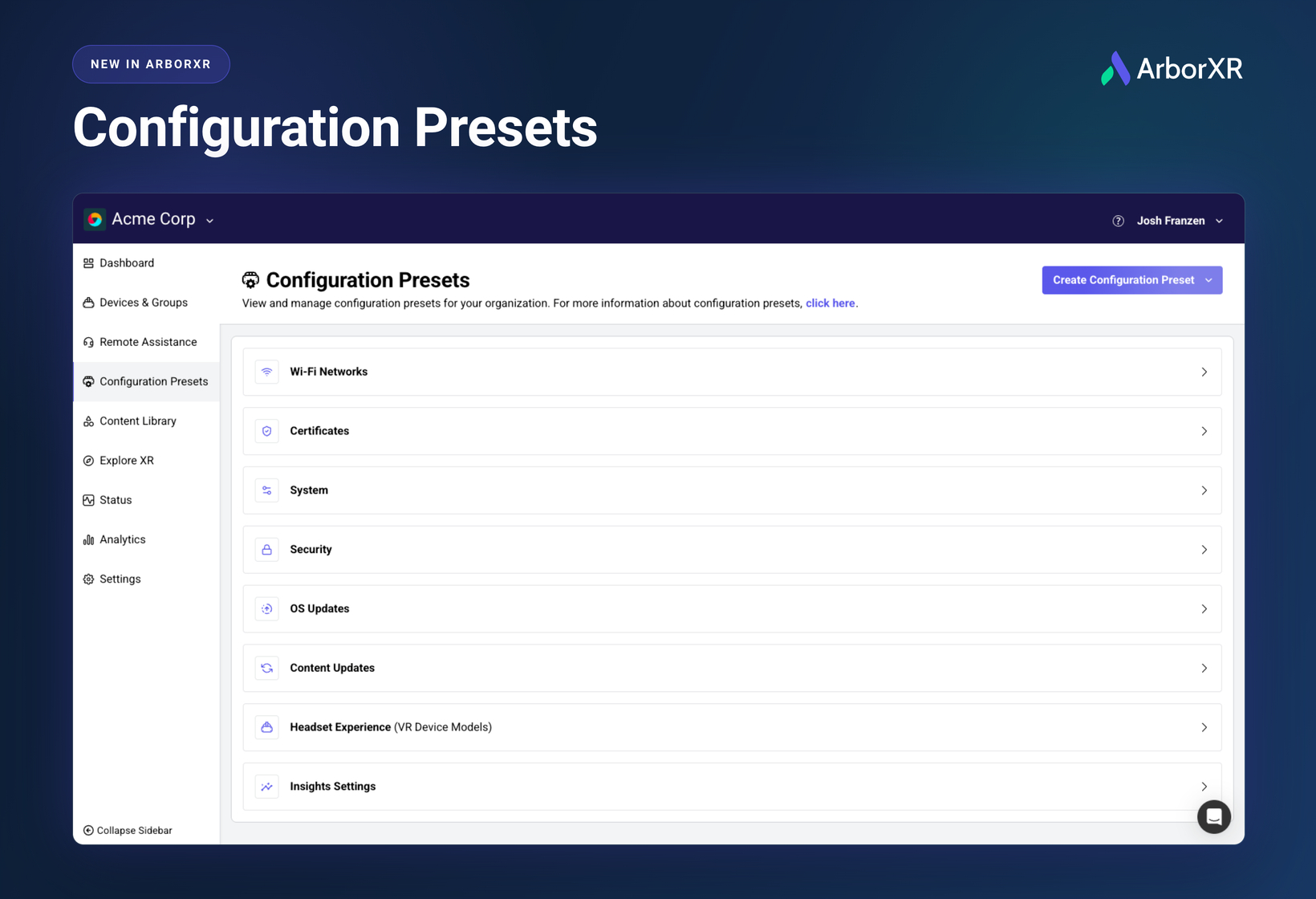
New in ArborXR: Configuration Presets
Until now, changing a setting across your fleet meant opening every group and making the same edit over and over.
Configuration Presets fix that. Build a preset once, assign it to as many groups and ungrouped devices as you like, and every future edit to that preset applies everywhere it's assigned.
New PICO OS version to roll out? Open your OS updates preset, select the new version, done. New logo in ArborXR Home? One edit to the Headset Experience preset instead of manually editing 40 groups one at a time. The same goes for Security settings, System settings, content update criteria, and Insights settings.
Presets for Security, System, OS Updates, Content Updates, Headset Experience, and Insights Settings are available on Essential, Classroom Pro, Enterprise, and Classroom Ultimate plans. Wi-Fi and Certificate presets are on every plan. On Starter or Classroom? Get in touch with us and we'll sort it out.
