- DATE:
- AUTHOR:
- The ArborXR product team
- RELATED ROADMAP ITEMS:
- In-App AI Assistant
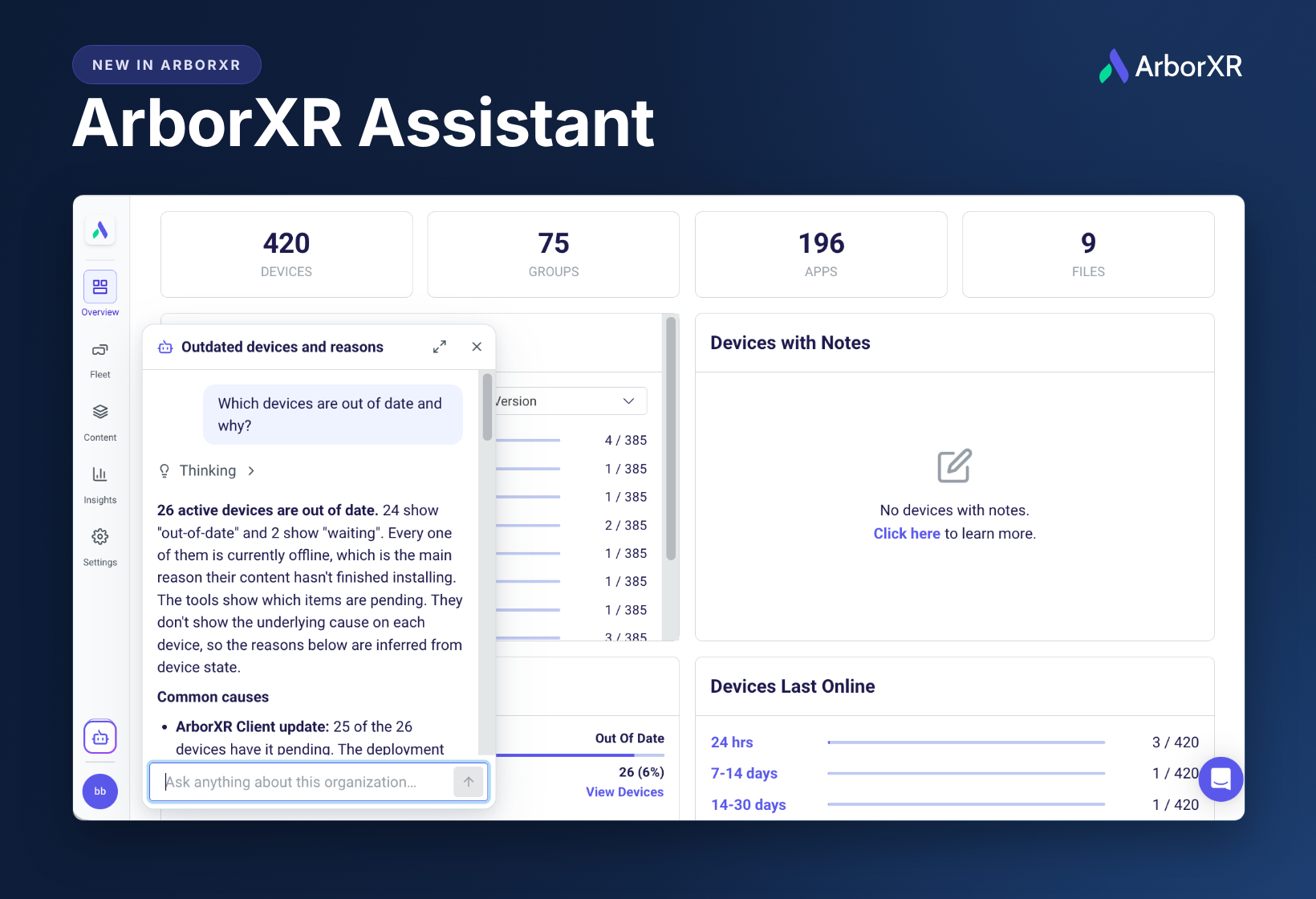
New in ArborXR: ArborXR Assistant
Until now, answering a question about your fleet meant clicking through pages, exporting a CSV, or connecting to our MCP.
The ArborXR Assistant fixes that. Ask a question in plain language and it looks up your organization's live data, then answers with a short summary or a table. It covers devices, apps, content, Wi-Fi networks, users, usage analytics and Insights, and it answers how-to questions from the ArborXR help center with a link to the article.
Try asking:
"Which devices are out of date and why?"
"What's the battery level and storage usage across my devices?"
"Which devices haven't checked in this week?"
To open it, click the assistant icon at the bottom of the portal's left menu, just above your profile, then choose New chat. Your chats are saved, so you can pick one back up later.
It's built to enterprise standards. The assistant is read-only, so it can't change anything in your organization. It uses your existing permissions, so people only see answers about what their role can already see. Every message is screened by a guardrail before it's answered, chats are private to each person, and your conversations are never used to train AI models.
The ArborXR Assistant is available on all plans, at no extra cost during launch. Give each answer a thumbs up or down so we can keep making it better.
 Try the ArborXR Assistant
If you have feedback or want to chat about the ArborXR Assistant, book a time here.